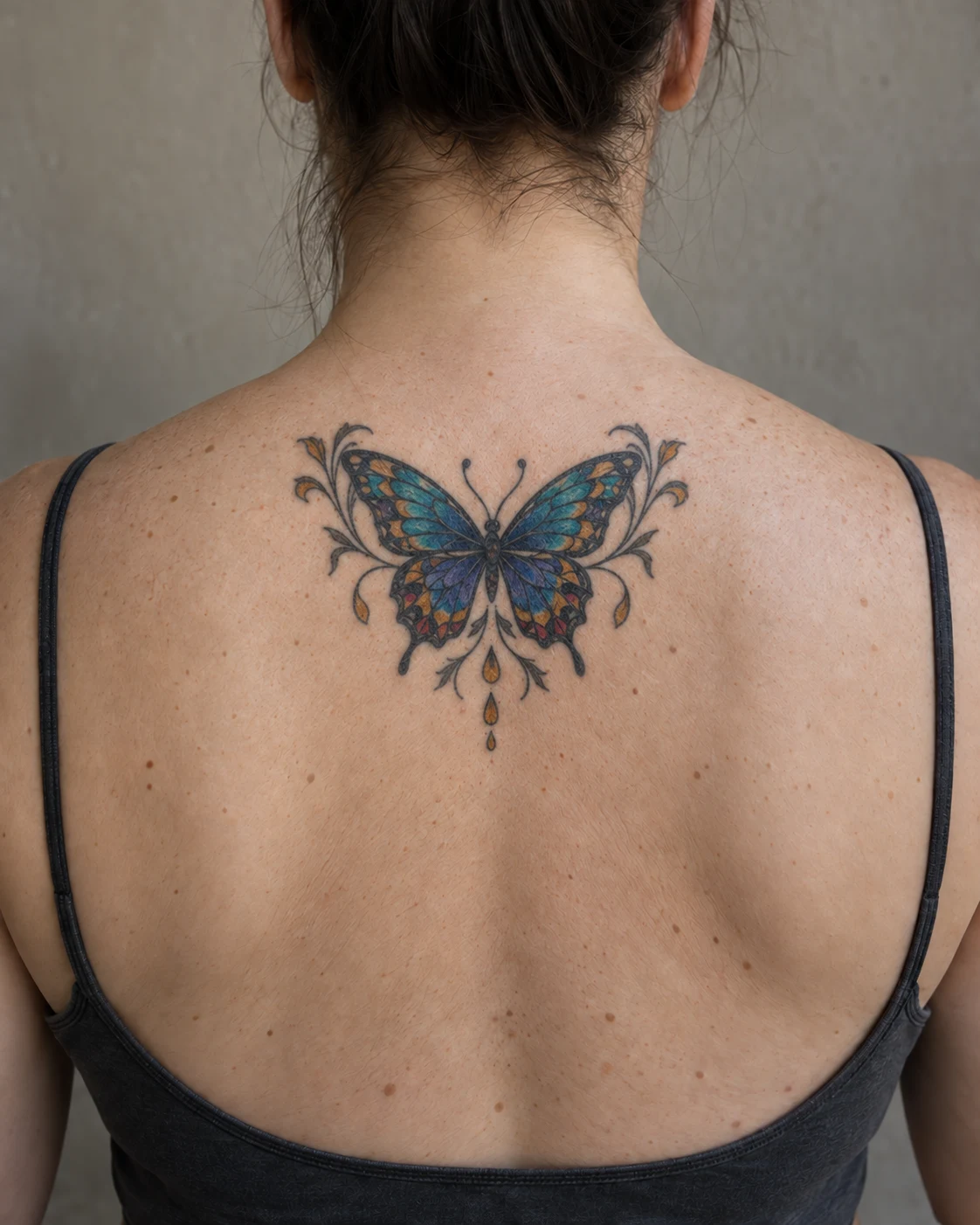
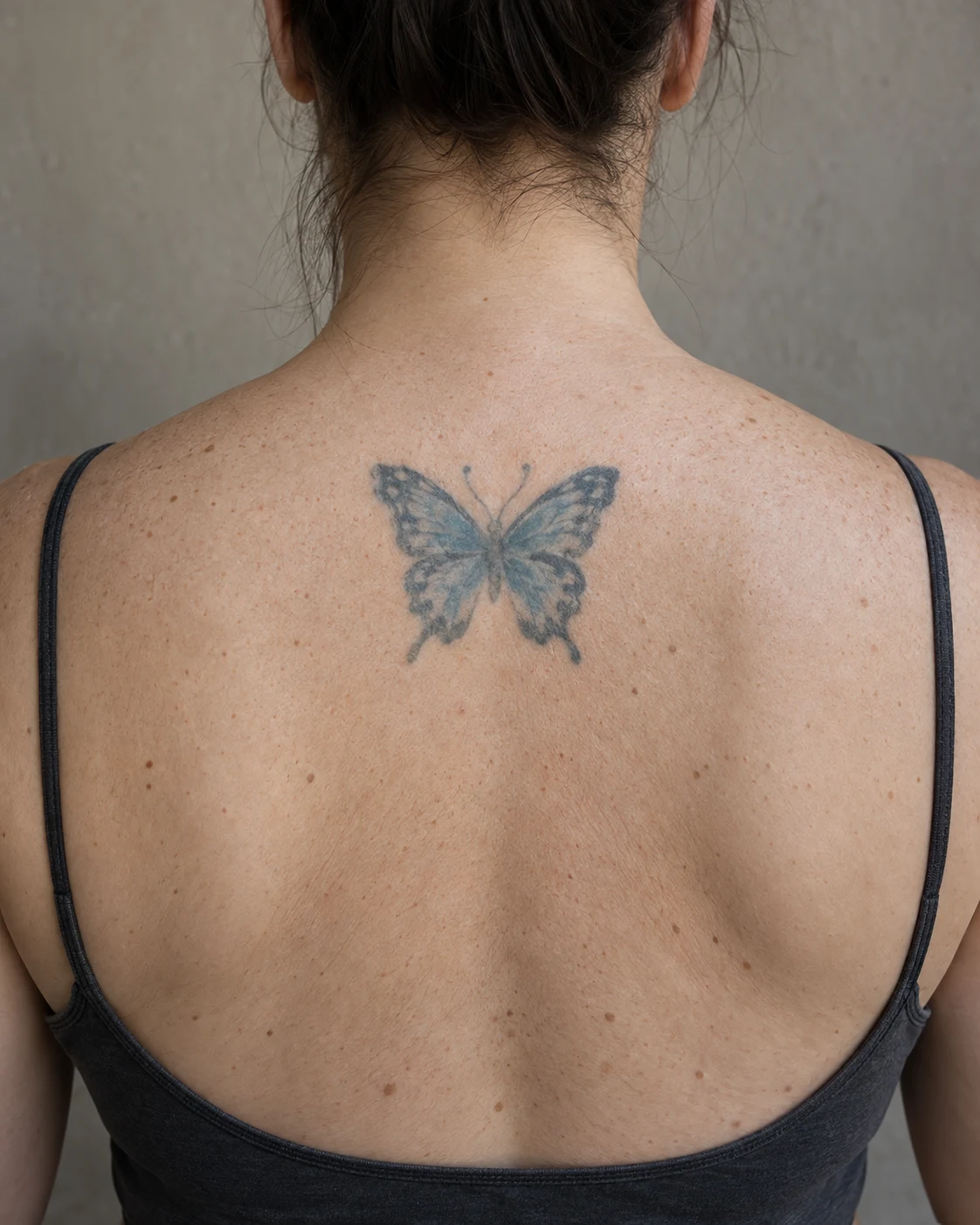
 BeforeReworked
Faded butterfly → refreshed
My Ink
Saved for 7 days without sign-in. Kept on this device after sign-in. Sign in to keep them
Total–
Loading your ink…
A tattoo cover up generator draws a new design on a photo of a tattoo you already have. Mark the ink you want changed, then choose a full cover or a rework that keeps the parts you still like. This page is for someone deciding what to do with an old tattoo, a thick line, or a dark piece they are not sure can be hidden. It is not a laser clinic, and it is not body makeup. You get a preview on your own photo, a before-and-after comparison, and a file to take to a tattoo artist. Guests can make 2 designs a day, sign-in raises that to 8 a day, and a plan is 40 a day. Without an account, results stay on this device for 7 days.
Key takeaways
- Start from a photo of the old tattoo, not a blank prompt.
- Full cover replaces the piece. Rework fixes thick, faded, or uneven lines.
- Solid black often needs a larger design, or fading first. White ink does not hide black ink.
- A hand is harder to cover than a forearm or a sleeve.
- The preview is a reference for a tattoo artist, not a finished piece to tattoo as-is.
Cover up tattoo ideasCover up before and afterScar cover up tattoosTribal tattoo cover up
Cover up before and after
Examples. Drag the slider to compare. These are not healed client photos.
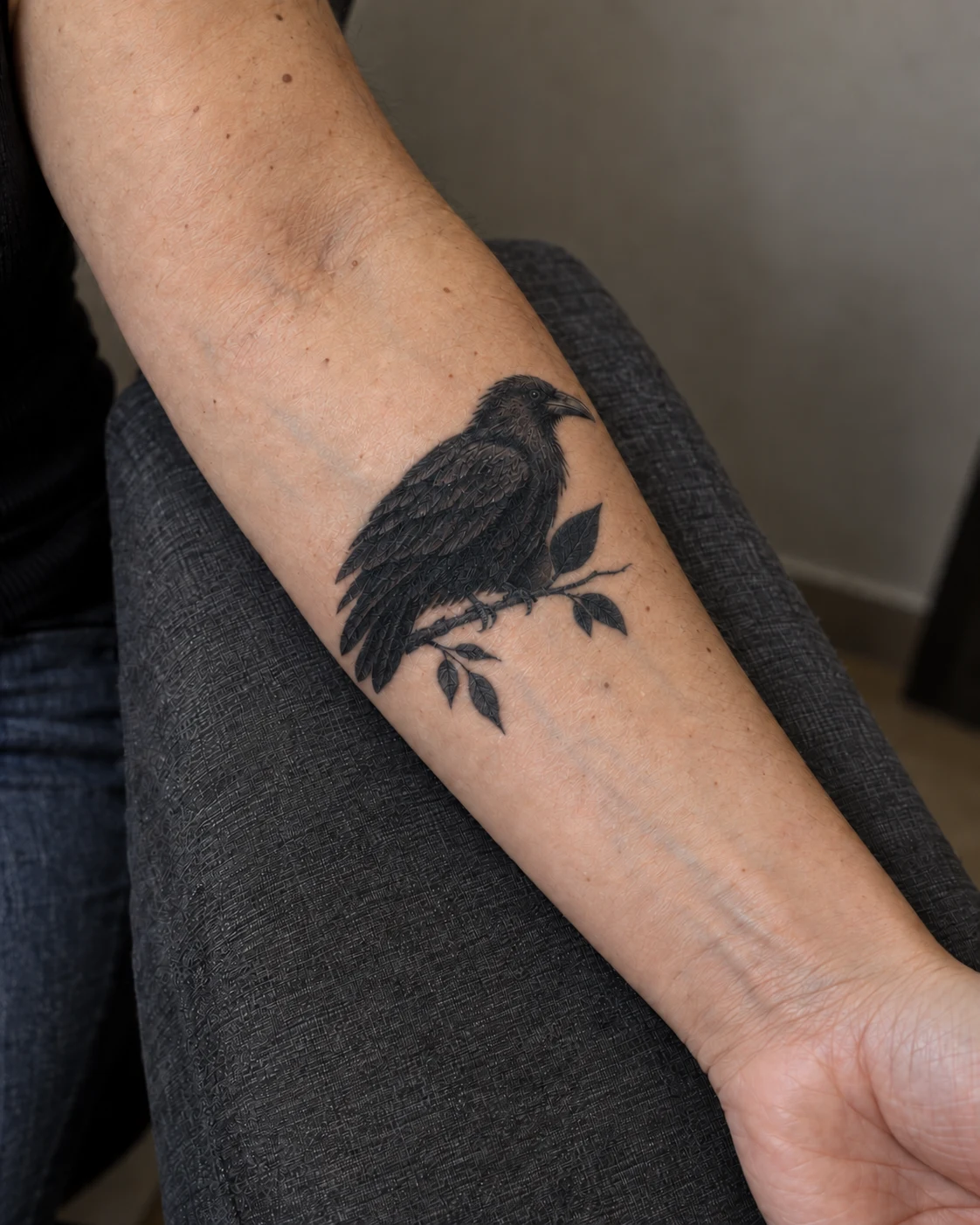
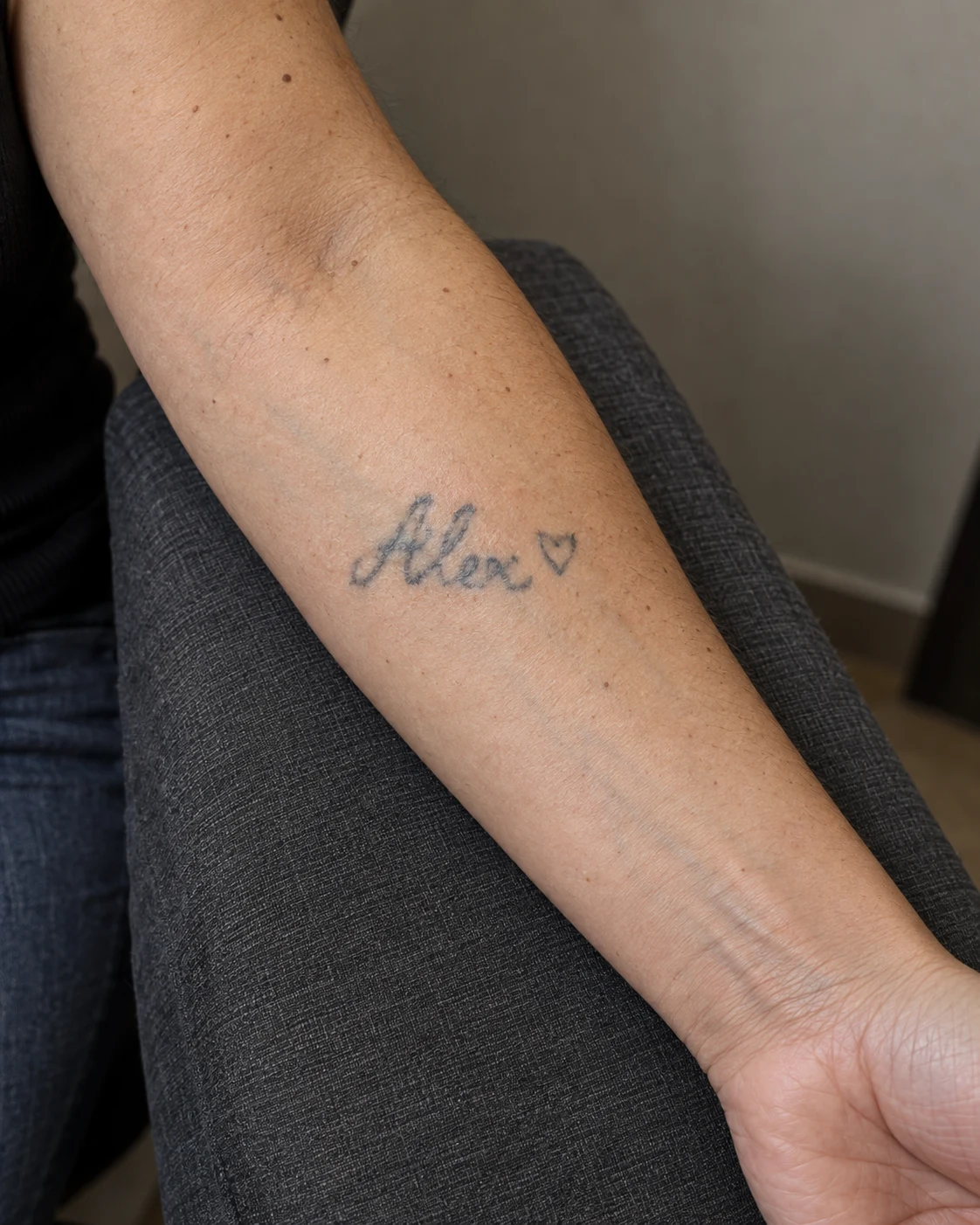 BeforeCover-up
Name on the forearm → raven

How does a tattoo cover up generator work?
It reads the area you brush: how thick the lines are, how dark the ink is, and where it sits on the body. The new idea is drawn on that photo, so you can see whether the old shape still comes through.
If you want to browse a direction first, then bring it back onto your own photo, start with cover up tattoo ideas.
Can you fix thick lines, or does the whole tattoo have to go?
Rework & extend is for thick, faded, or uneven lines you still want. It darkens what is weak and builds around it. Full cover is for a piece that has to disappear, and the new design usually has to be larger and darker than the old one.
A tribal tattoo cover up is the common case: the old lines are already heavy, so the new piece has to be heavier.
Can you cover a dark or black tattoo?
A solid black tattoo is the hard case. Coverage comes from a bigger shape, darker shading, and solid areas, which is why black and grey and blackwork show up so often. White ink does not hide blue or black ink.
If the old piece is a flat black fill, preview a larger design here, then ask an artist whether it needs fading first.
Can I cover up hand tattoos?
Sometimes. Hands are small, the skin moves, and ink fades faster there than on a forearm or a sleeve. A cover on a hand often has to stay small and dark. If the piece can leave the hand, a forearm or sleeve cover is usually easier.
What tattoo design can cover up 3 dots?
Three small dots usually disappear into a larger design: a flower, a small blackwork shape, or a line that passes through them. Where they sit matters more than the dots. On a finger the cover stays tiny and dark. On a wrist or a forearm it can be a little wider.
Can you cover up blue ink with white ink?
A cover up of blue or black ink uses a darker, more solid design. White ink is a highlight. It sits on bare skin, or on grey beside the old ink. It does not hide blue or black that is already in the skin.
How to lighten a tattoo for a cover up
Lightening means fading the old ink, usually with laser, so a new design has a chance. This generator cannot fade ink. It can show how large and dark the replacement may need to be.
If the old tattoo is very dark or very large, an artist may ask you to fade it before they will cover it. Some artists turn cover ups down for that reason: the new piece has to win, and a failed cover is harder to fix than the original. Ink is permanent, so the U.S. Food and Drug Administration says to think carefully before anyone puts it in your skin.
How to use the tattoo cover up generator
Three steps. The photo stays on your device.
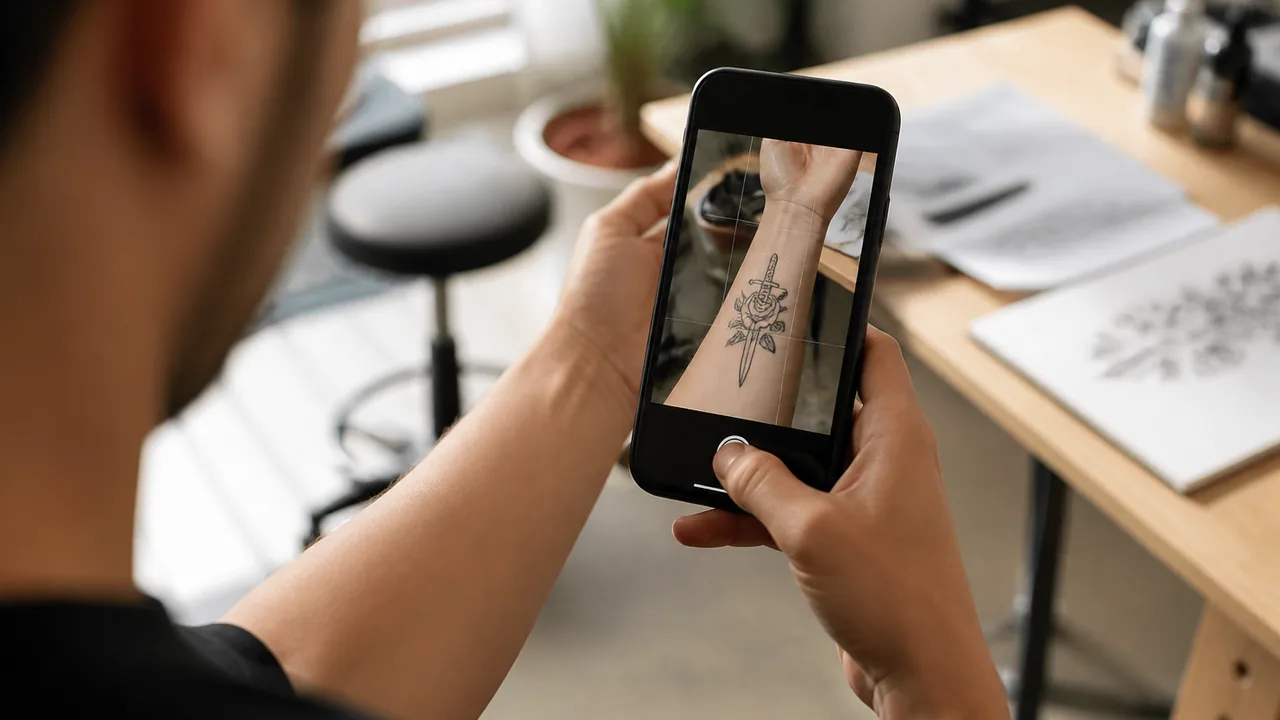
Step 1: Upload and mark the area
Use a clear, straight-on photo. Brush the ink you want changed. Leave it unmarked and the whole tattoo is covered.
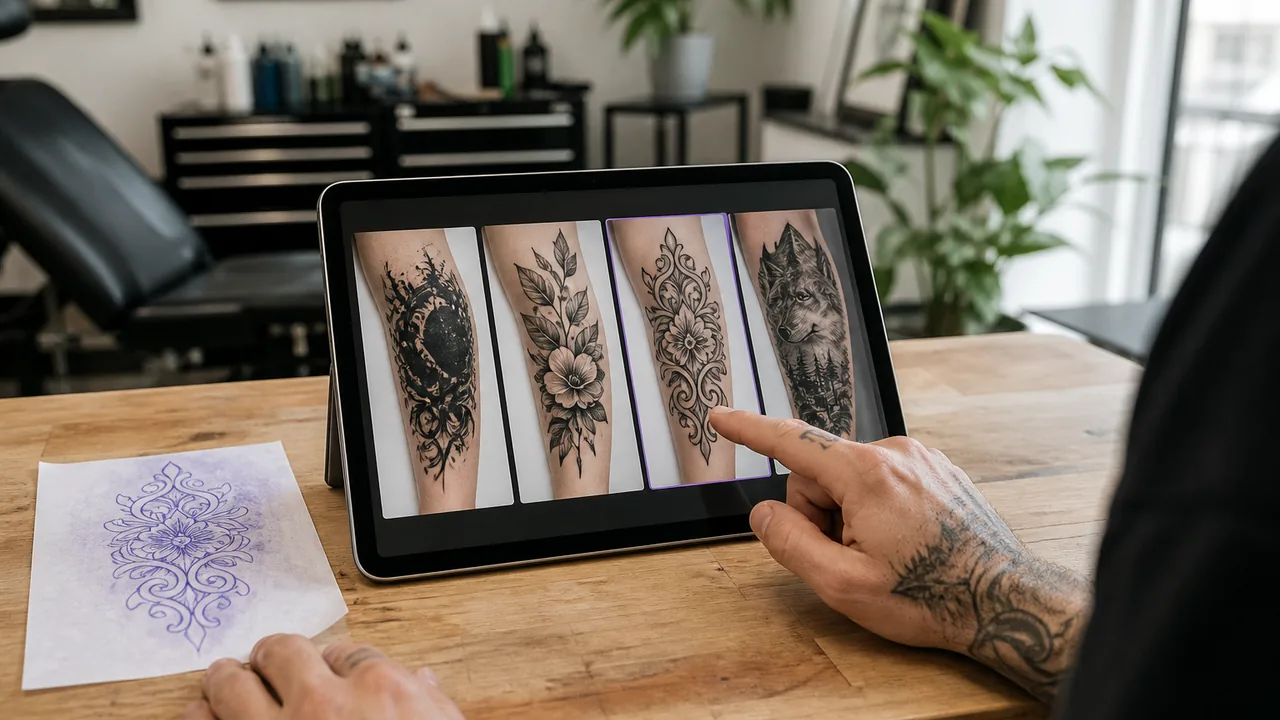
Step 2: Choose full cover or rework
Full cover is for a tattoo that has to go. Rework & extend keeps thick lines or parts you still want.
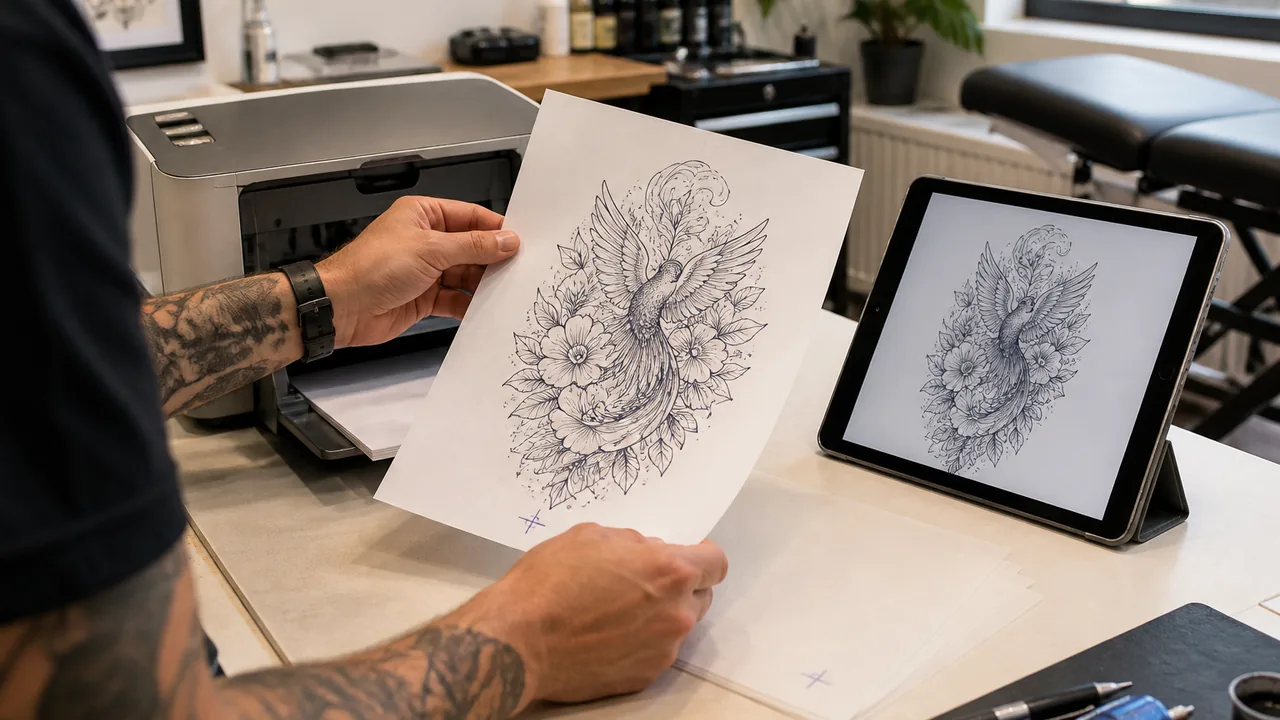
Step 3: Generate it, then take it in
Pick a style and write the subject. Drag the before and after, download the design, or make a stencil.
Tattoo cover up generator questions
How does the tattoo cover up generator work?
A tattoo cover up generator uses your photo and the area you brush. Choose full cover or rework, upload a clear picture, and describe the new subject. It draws the preview on that photo so you can see whether the old ink still shows through.
Is the tattoo cover up generator free?
Yes, with a daily cap. Guests get 2 designs a day, a signed-in account gets 8 a day, and a plan gets 40 a day. A try is counted only when a design comes back. Without an account, the images stay on this device for 7 days.
Can you get a tattoo cover up to fix thick lines?
Use Rework & extend to darken faded lines and clean up uneven work while keeping the parts you want. When the whole piece has to go, use full cover. That design usually has to be larger and darker.
Can I cover up hand tattoos?
Sometimes, but hands are small and they fade. A cover often has to extend onto the forearm before it hides the old ink. An artist looking at the skin makes that call.
What tattoo design can cover up 3 dots?
Three small dots usually disappear into a larger design: a flower, a small blackwork shape, or a line that passes through them. Where they sit matters more than the dots.
How do you lighten a tattoo for a cover up?
Very dark or very large ink often needs a few laser sessions first. The generator can preview the new design. It cannot fade the ink. A tattoo artist or a laser clinic decides how much fading you need.
Can you cover blue or black ink with white ink?
No. White ink does not hide blue or black ink that is already in the skin. A cover up relies on a darker, more solid design, not a lighter color laid on top.
Can a delicate design cover a dark tattoo?
A fine line stays lighter than the ink underneath, so the old tattoo shows through. Where the old ink is heaviest, the new piece needs darker shading and solid areas. Detail can sit around those dark parts.
Do tattoo artists do cover ups, including their own work?
Many do. Some will not rework a tattoo they did, and some do not take cover ups at all. Ask before you book, and bring the original photo plus this preview.
Why do some tattoo artists not do cover ups?
The new piece often has to be bigger and darker than the ink underneath. If they cannot make that work on your skin, they would rather refuse than leave the old lines showing.
How do I temporarily cover a tattoo?
A wedding or a short event is a different job. That is body makeup, not a new tattoo. This generator previews a permanent cover up.
Can tattoos cover scars?
You can preview scar cover up tattoos here, including a tummy tuck scar. The generator cannot tell whether the scar is healed. An artist who works on scars has to see it before anyone tattoos it.
Are the designs ready to tattoo?
No. Take the preview and the original photo to an artist. They adjust the size, the line, and how much of the old ink the new piece can actually hide.
Before you book
- A straight, daylight photo where the old ink is clear
- Mark what must disappear and what can stay
- Choose full cover or rework
- Check the before and after for lines that still show
- Bring the preview and the original photo to the artist
Start from the tattoo you have
Use the tattoo cover up generator on the photo you have. Mark what should change, generate a cover or a rework, and take the one that holds up to your artist.
Upload a photo